



Az ingatlanügyletek ritkán merülnek ki egy szerződés elkészítésében.
A tulajdoni viszonyok, a használat, a műszaki adottságok és a különböző érdekek egyaránt befolyásolják, hogy egy ügylet valóban biztonságosan megvalósítható-e.
Ezért minden ügyet egyedileg közelítünk meg. Célunk nem csupán a jogilag megfelelő dokumentáció elkészítése, hanem egy hosszú távon is biztonságos és működőképes megoldás kialakítása.
Az ügyeket ingatlanjogra specializálódott ügyvéd kezeli, aki a teljes folyamatot átlátva segít megtalálni az adott helyzethez legmegfelelőbb megoldást.
Bérleti szerződések készítése, felülvizsgálata és módosítása lakó- és kereskedelmi ingatlanok esetében.
Telekmegosztás és telekegyesítés jogi koordinációja, együttműködés a földmérőkkel és a hatósággal.
Közműcsatlakozásokhoz kapcsolódó szerződések és jogi kérdések kezelése, szolgáltatókkal való egyeztetés.
Társasház alapítása, alapító okirat és kapcsolódó dokumentumok elkészítése.
Használati megállapodások készítése a tulajdonostársak jogainak és kötelezettségeinek egyértelmű rendezésére.
Szolgalmi jog alapításával, módosításával és megszüntetésével kapcsolatos jogi közreműködés.
Jogi képviselet és ügyintézés ingatlanügyeket érintő hatósági eljárásokban.
Teljes körű jogi közreműködés elővásárlási joggal kapcsolatos nyilatkozatok és szerződések elkészítésében.

Az ár csak egy szám. Az értéket sokkal több tényező alakítja – és ezek nem minden vevő számára ugyanazok.
Megnézem
Az osztatlan közös tulajdon sokáig észrevétlen maradhat. A legtöbb kérdés nem a vásárláskor, hanem évekkel később, egy felújítás, tulajdonosváltás vagy értékesítés során merül fel.
Megnézem
Hanem azok a történetek, amelyeket ügyfelek, kommentelők és szomszédok mesélnek el – gyakran anélkül, hogy észrevennék.
Megnézem
Minden nyáron felmerül ugyanaz a kérdés. A válasz pedig nem mindig olyan egyértelmű, mint elsőre gondolnánk.
Megnézem
Egyre többen beszélnek róla – de vajon a vélemények már valóban piaci trendet jeleznek?
Megnézem
A kültéri egység helye nem csak műszaki kérdés.
Megnézem
A legtöbb vevő a házat nézi. A legfontosabb kérdések azonban sokszor a tulajdoni lapon találhatók.
Megnézem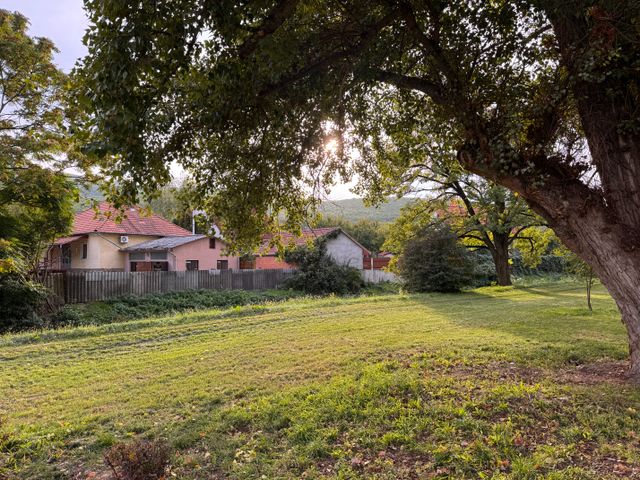
A kertvárosi nyugalom nem mindig magától értetődő. A kérdés sokszor nem az, hogy van-e zavarás, hanem az, hogy annak mértéke még elfogadható-e.
Megnézem
Az elővásárlási jog ritkán kerül reflektorfénybe, mégis jelentős hatással lehet egy ingatlan-adásvétel kimenetelére.
Megnézem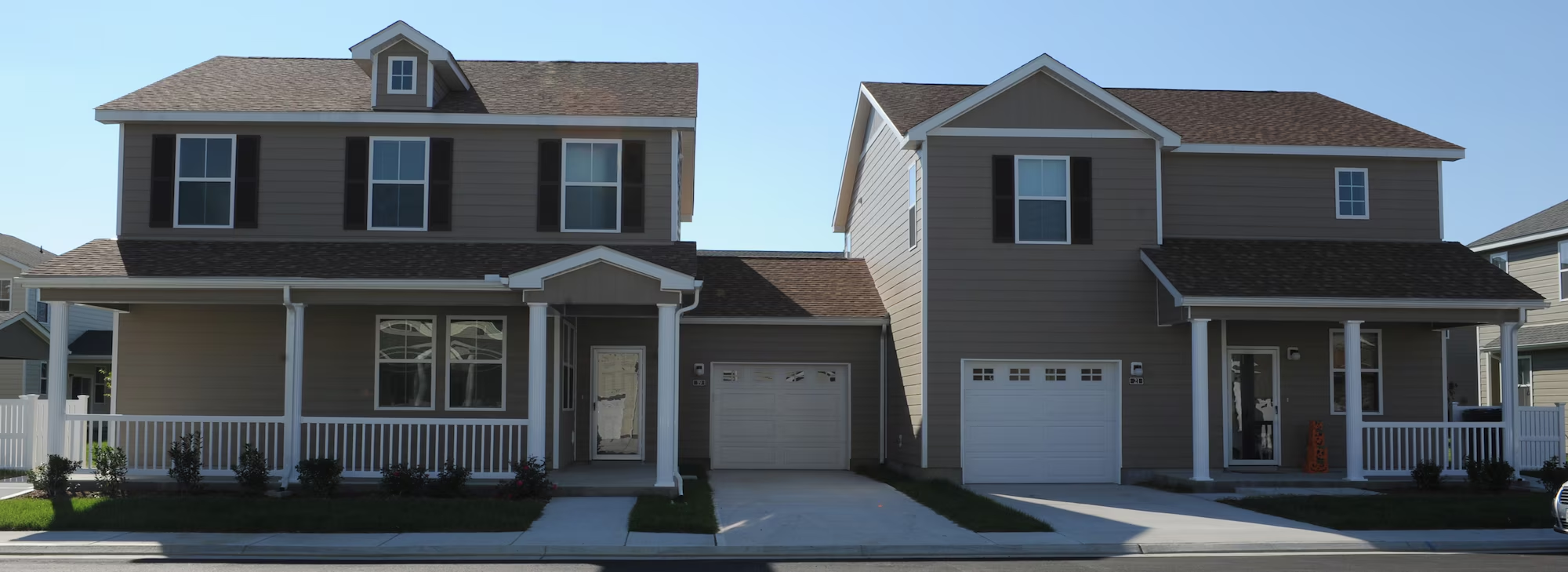
Ne csak azt nézd, amit az utcáról látsz
Megnézem
Ki fizet, ha az aláírás után derül ki a baj?
Megnézem
Igen. Az ingatlan-nyilvántartási bejegyzéshez (vagyis ahhoz, hogy a nevedre kerüljön a lakás) kötelező az ügyvédi ellenjegyzés vagy közjegyzői okirat. Az ügyvéd feladata a felek személyazonosságának ellenőrzése, a tulajdoni lap lekérése és a szerződés megszerkesztése.
Nem. A legnagyobb kockázatok az ajánlattétel és az előkészítés során keletkeznek, amikor még nincs jogi kontroll.
A felek pontos adatait, az ingatlan egyértelmű azonosítását, a vételárat, a fizetés módját és határidejét, a birtokbaadás feltételeit, valamint a tulajdonjog bejegyzéséhez szükséges nyilatkozatokat.
Nem. A tulajdonjog a földhivatali bejegyzéssel száll át, az aláírt szerződés önmagában még nem teszi a vevőt tulajdonossá.
A foglaló biztosíték: ha a vevő hibájából hiúsul meg az ügylet, elveszíti, ha az eladó hibájából, kétszeresen jár vissza. Az előleg ezzel szemben minden esetben visszajár.
Főszabály szerint a vevő.
Azt, hogy nincs rajta olyan jog vagy követelés, amely akadályozná a tulajdonszerzést.
Igen, de kockázattal. Minden bérleti szerződés egyedi és a jogszabályok gyakran változnak – ami nincs az adott helyzetre szabva, az vita esetén nem fog védeni.
Akkor, ha az egyes lakások vagy ingatlanrészek önálló tulajdonként, külön tulajdoni lapon szeretnének szerepelni. Ez eladásnál, hitelfelvételnél és használati vitáknál is lényeges lehet.
Mert rögzíti, hogy az egyes tulajdonosok az ingatlan mely részeit használhatják kizárólagosan vagy közösen. Enélkül később vita alakulhat ki a kertrész, parkoló, bejárat vagy melléképület használatáról.
A megvalósíthatóság előzetes ellenőrzése. Meg kell vizsgálni a helyi építési szabályokat, a tulajdoni lapot és az ingatlant érintő korlátozásokat, mert ezek határozzák meg, hogy a tervezett telekalakítás egyáltalán engedélyezhető-e.
Ha egy ingatlan rendeltetésszerű használatához másik ingatlan igénybevétele szükséges, például átjárás, közművezeték vagy vízelvezetés miatt. A szolgalmi jogot célszerű az ingatlan-nyilvántartásba is bejegyeztetni.
Mert a tényleges használat jogilag bizonytalan maradhat. Ez különösen eladásnál, hitelfelvételnél vagy szomszédvita esetén okozhat problémát.
Ez igazolja, hogy az épület jogszerűen használatba vehető. Hiánya akadályozhatja az értékesítést, a hitelfelvételt vagy akár a társasház-alapítást is.
Az ügylet nem válik véglegessé: a jogosult utólag is beléphet a szerződésbe és a vevő helyébe léphet. Ez egy már lezártnak hitt adásvételt is bizonytalanná tehet.
Elérhetőségeink:

info@jovodotthona.hu

+36 30 417 0772

Budapest 1118, Rétköz u. 10

info@jovodotthona.hu
+36 30 417 0772
1118 Budapest, Rétköz utca 10